
Free
Ten try-ons a month, free forever.
$0
Free forever
- 10 try-ons a month
- 3 360° Mirrors a month
- Saved looks
- Web app + Chrome extension
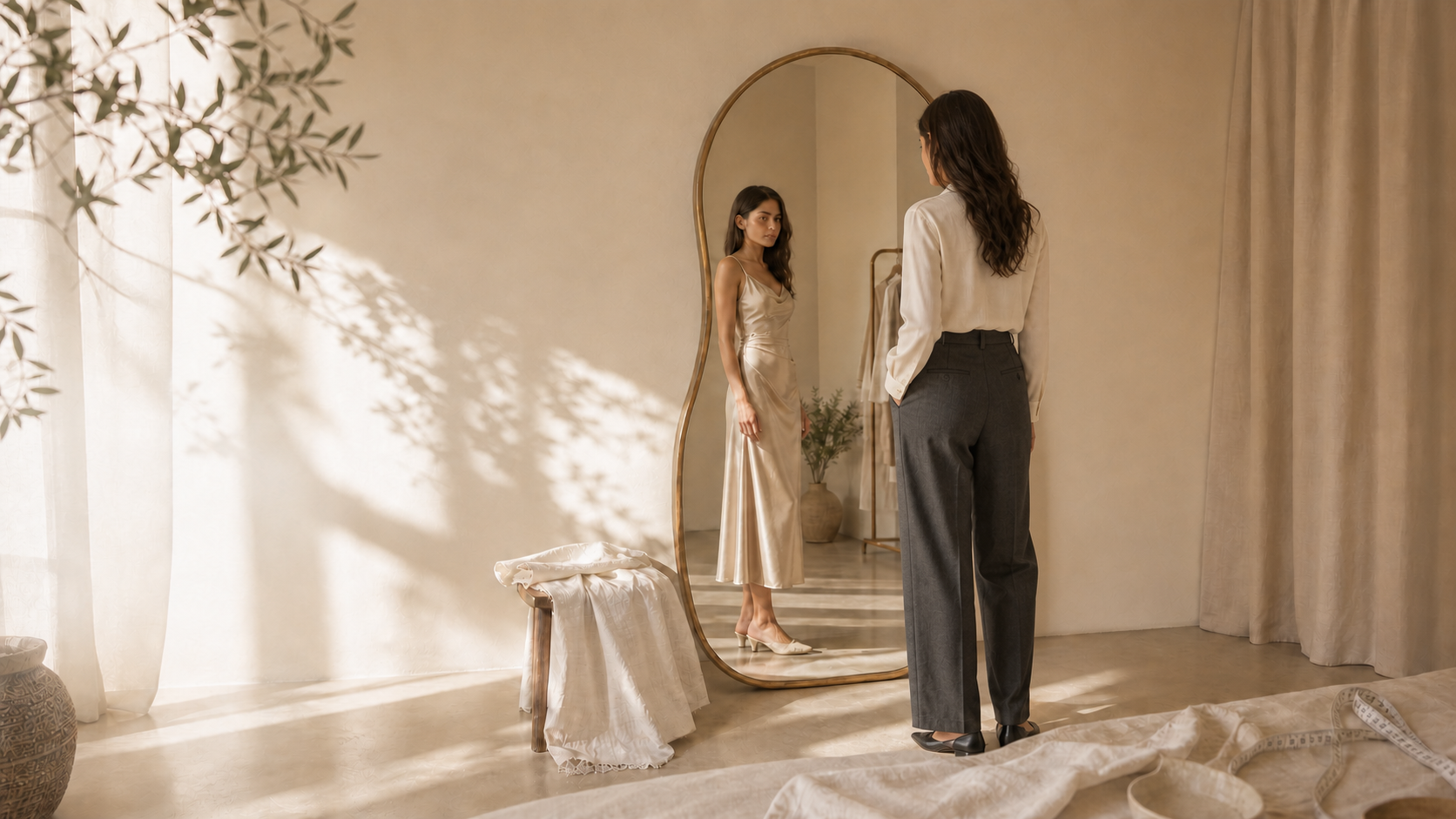
Any garment, from any store, on your body - with size notes from your real measurements.
Three steps to your fitting room
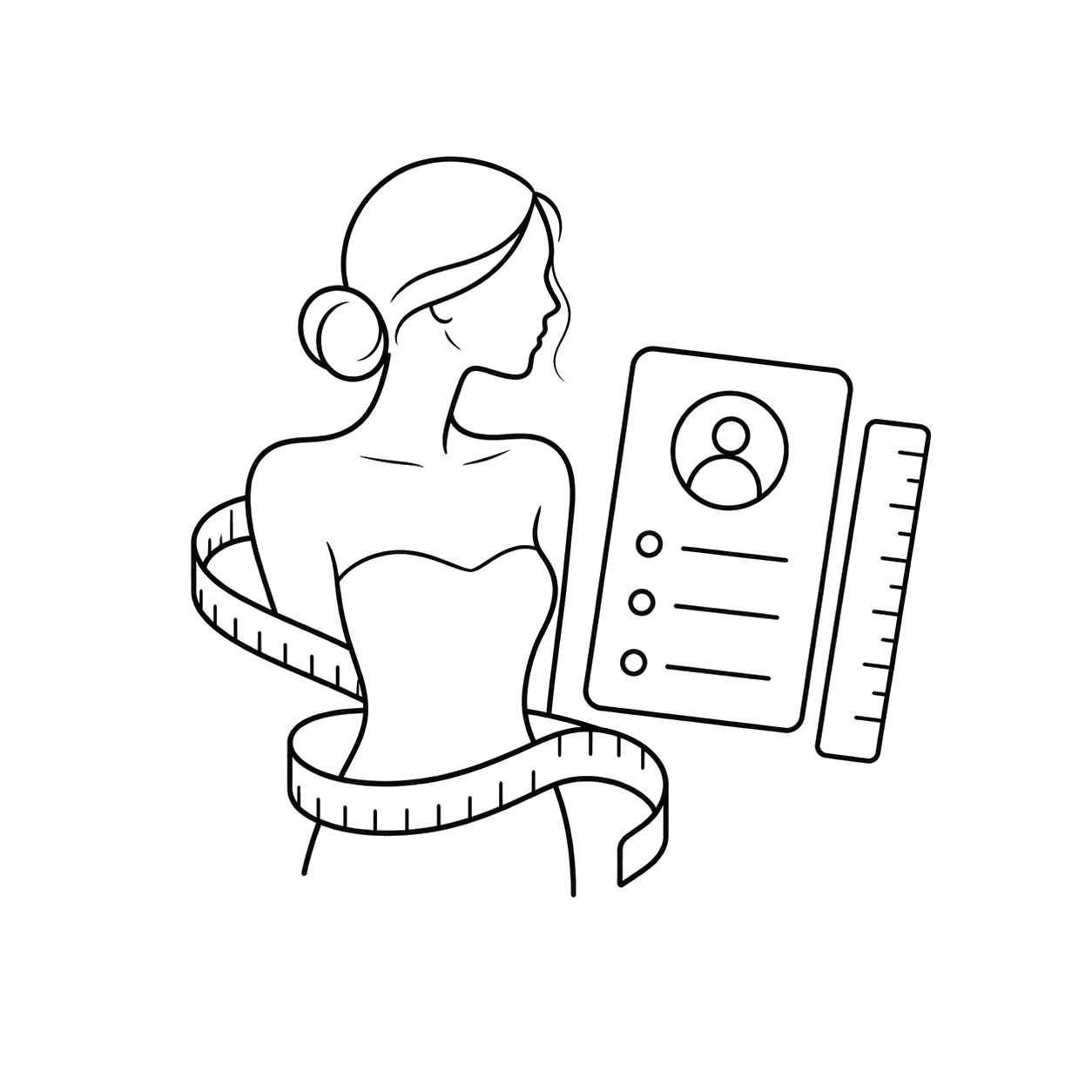
Add your measurements and reference photos once. Forma keeps them private and uses them wherever you shop.
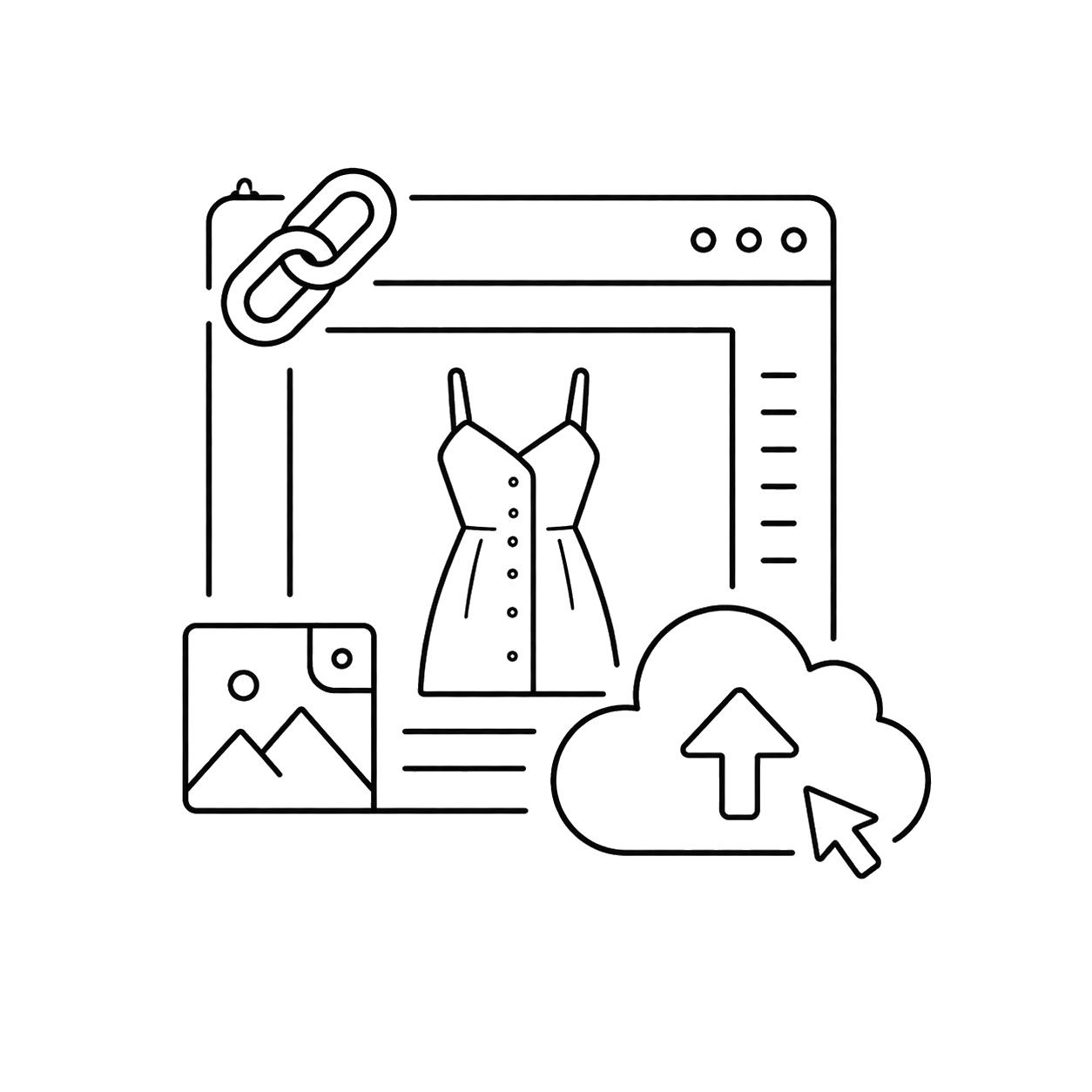
Paste a product link, upload a garment image, or save it from an online store with the Chrome extension.
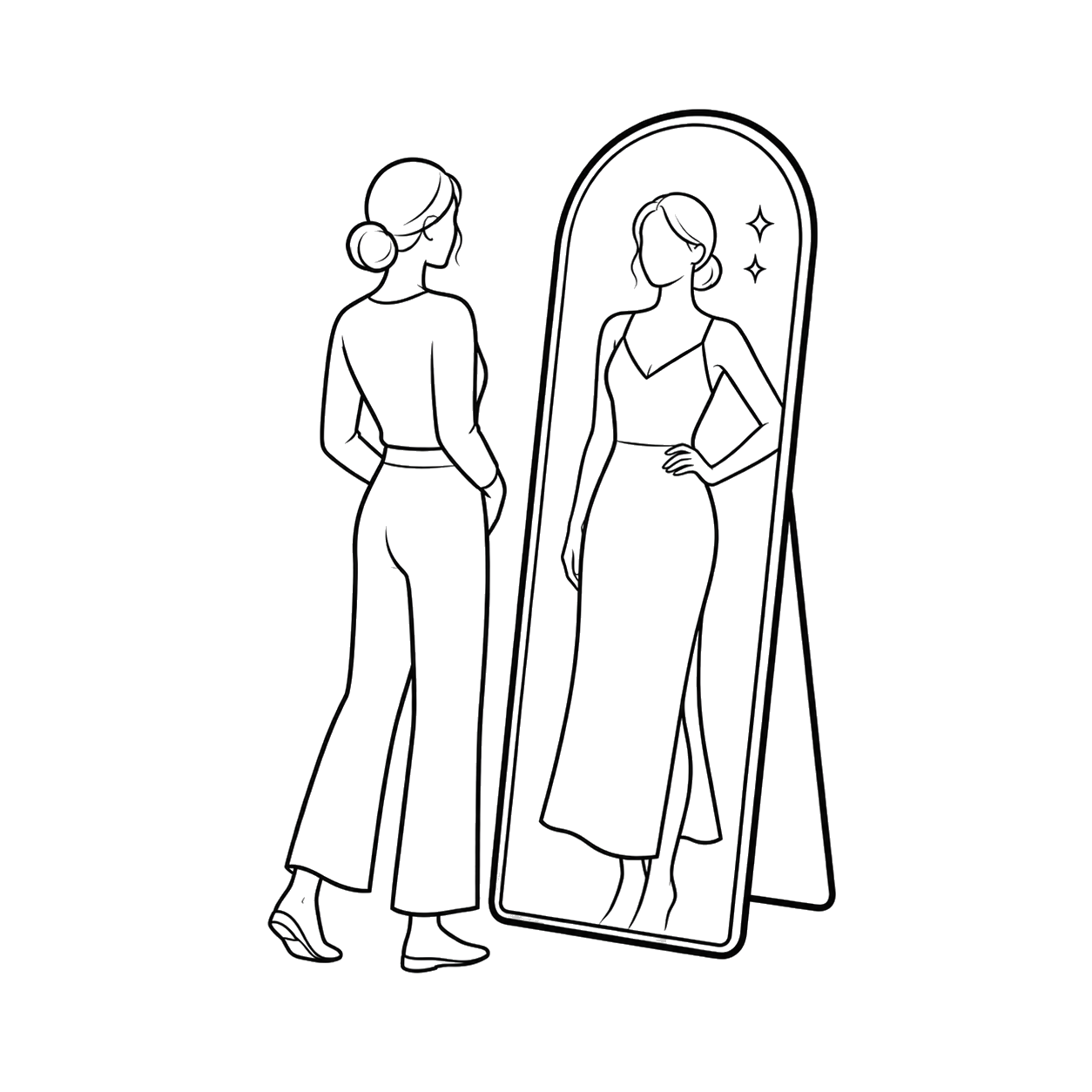
Forma shows the piece on you in the Mirror, along with notes on how it's likely to feel and fit.
Three ways to use Forma
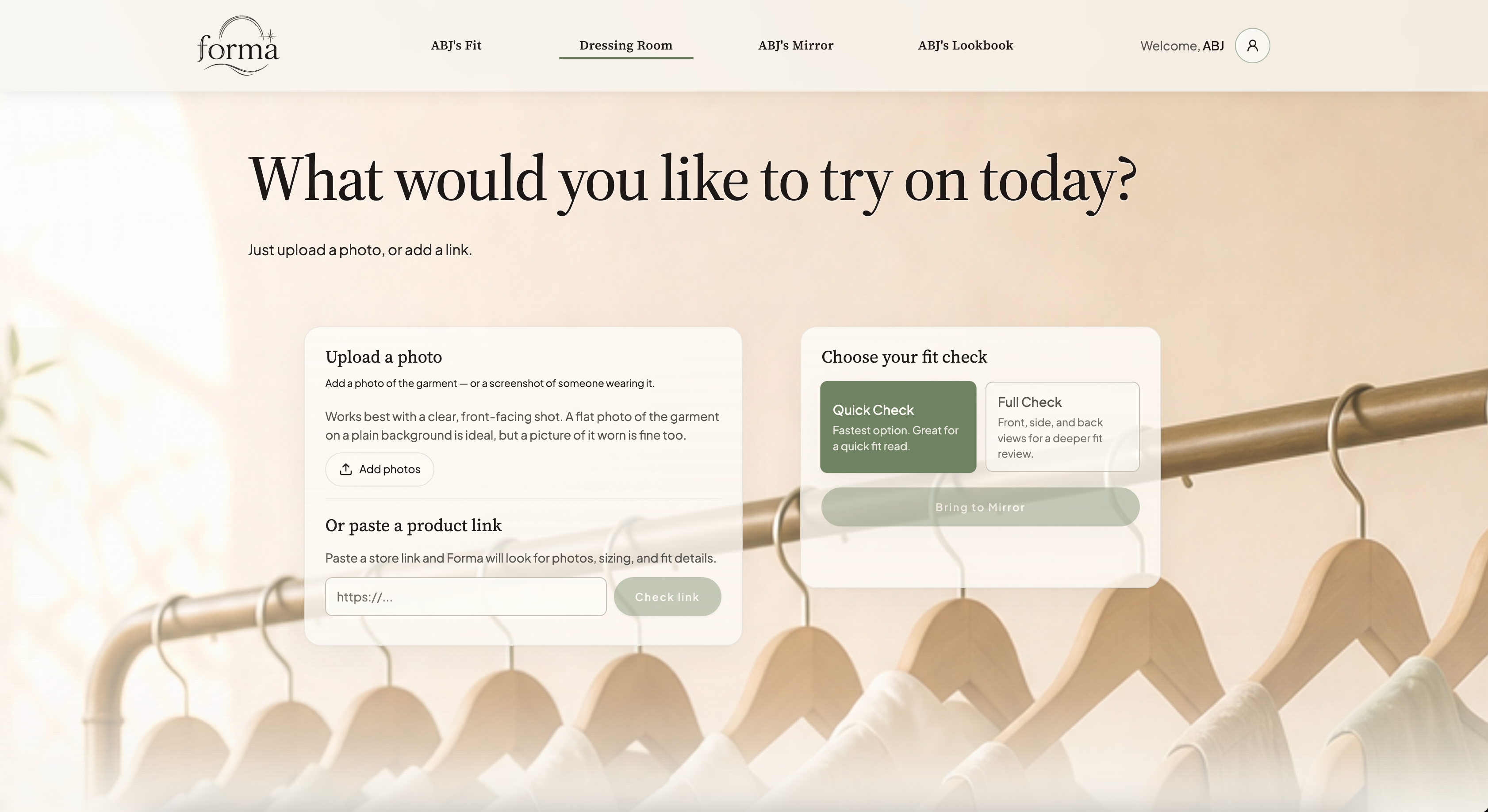
Start from Forma
Try on clothing from any store using a product link or a garment image.
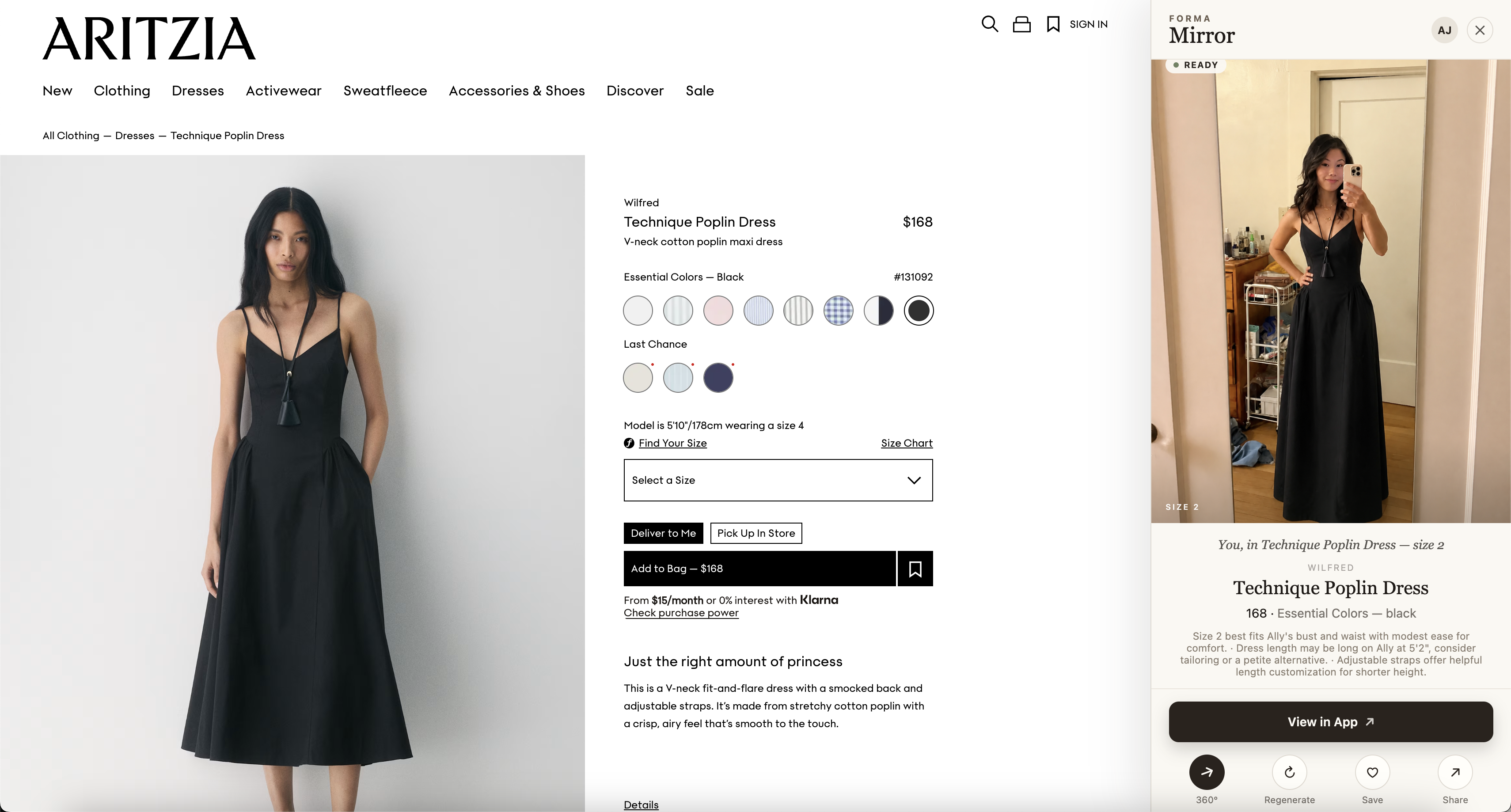
Shop from any store
Use your Forma saved fit profile to instantly see how clothes look on your body while you shop online.
Your personal fitting room, now in your pocket.
Your personal fitting room, now in your pocket. Everything you save in Forma is instantly available on mobile, so you can shop with confidence anywhere.
Pricing
Ten free try-ons every month. Move up whenever you want more.
Ten try-ons a month, free forever.
Free forever
For shopping and comparing through the month.
or $99.99 / year
For power users, stylists, and creators.
or $249.99 / year
Create your free Forma account and try on clothing from any online store.